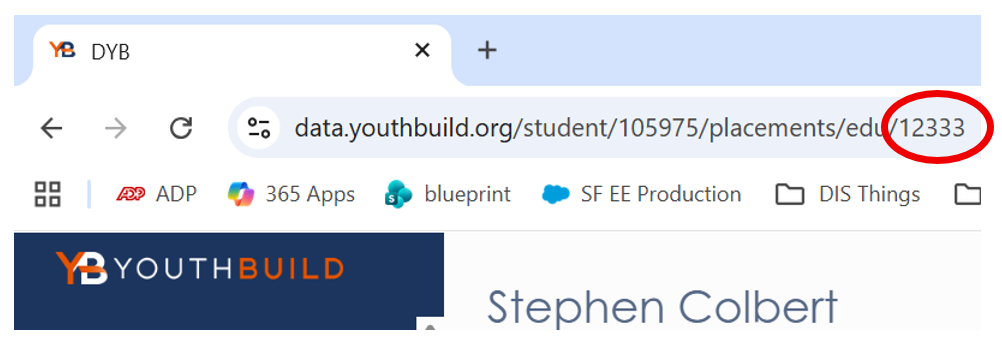
For some grant reporting, such as MentorCore, a Student ID number may be required. To find the Student ID, click on the student's name from the Student list in DYB. There are two places you can see it.
Student ID in the Page Footer
You can find the Student ID in the footer of the page, listed at the far right with "sid" (shorthand for Student ID) in front of a series of numbers which are the Student ID. Below shows Student ID 57428.

Student ID in the URL
You can also find the Student ID in the URL, found in the web browser's address bar (typically it begins with https://...). Following the word "student" you will find a series of numbers which are the Student ID. In the below example, 57428 is this student's Student ID number.