

To enter a student's basic demographic and profile information, navigate to the Profile page in the Student Menu.
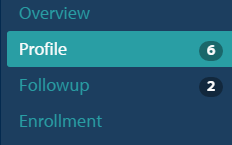
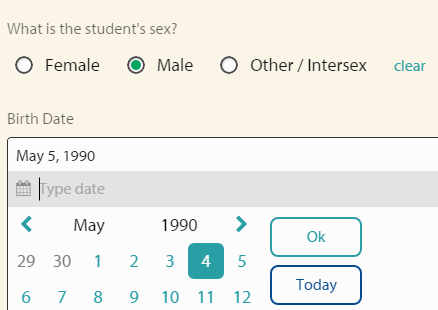
Here you will enter information such as name, sex, and birth date. To edit any of the information, click the response you would like to update (the background of the form will turn pale yellow) and enter the information.
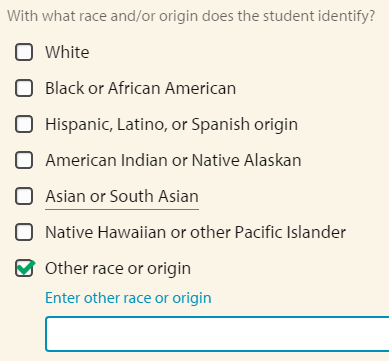
To enter the student's race and origin, select from the options listed (multiple options can be checked). If none of the options are appropriate, select Other and you will be prompted to type a response.
You will be asked to select a response from a drop down menu for information related to the student's:
marital status
parent or primary caregiver status
homeless status
placement in foster care

You will also be asked to select whether or not the student:
is economically disadvantaged
is an English language learner
identifies as LGBTQ
was employed for any part of the 6 months before entry
is a first generation college enrollee
identifies as having a disability
is registered to vote (asked if 18 or over at exit)
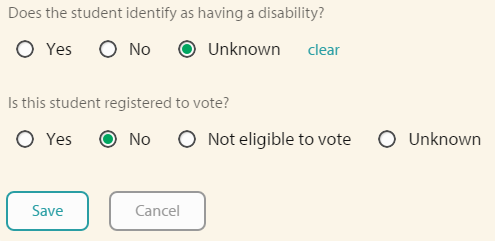
Save any changes you make by clicking Save at the end of the Profile question list.
Article Keywords / Topics: ESL