

Adding Other Participants / Non-YB AmeriCorps Members
Other Participants are participants who are not in the YouthBuild Program but who are part of a YouthBuild Global grant or initiative. Currently, the only "other participants" in DYB are AmeriCorps Members at programs that receive AmeriCorps funding from YouthBuild Global.
These participants can be added on the Other Participants page, found on the Program Menu.
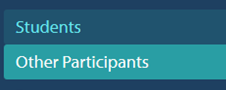
To Add an "Other Participant"
Go to Other Participant page and click Add Non-YB AmC Member in the upper right and enter the participant's Name, Enrollment Date, and Slot Type. Click Save when you are done.
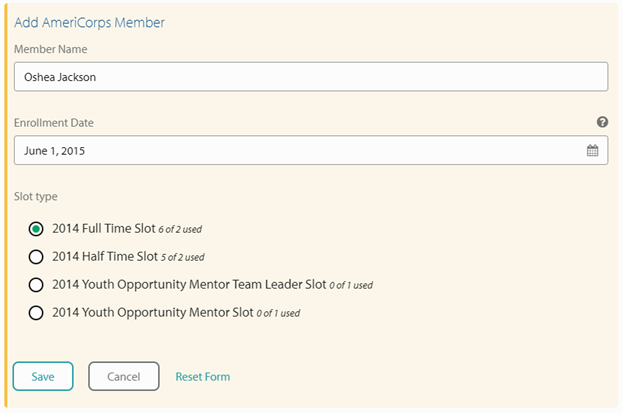
If you are adding a non-YB AmC Youth Opportunity Mentor Member, be sure to select the appropriate slot type.
Once you click Save, you will be able to see that student in the list of Other Participants. You can then click on their name to enter additional information. The student menu options for these participants are limited because less information is required for them than for YouthBuild Students.
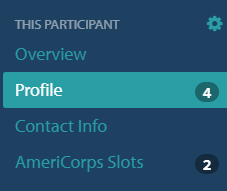
On their profile you should enter the participant's: Gender, Birth Date, Race and Origin, and Economic Status. Additionally, you must enter information about their AmeriCorps Slots.
Next, click AmeriCorps Slots from the left hand menu and click on a slot to begin adding hours and other member information. For more information on this process visit the Knowledge Base article on AmeriCorps Slots and Hours.
Article Keywords/Questions: AmC members; Non-YB members